
Dual USB Charging Dock for PlayStation 3: Simultaneously charge two PS3 controllers or Move wands directly from your console's USB port, eliminating the need for separate power adapters and AA batteries.
default
£14.98
Skip to product information

 Introductory paragraph: Tired of searching for charged controllers or dealing with a tangle of cables and separate chargers? This dedicated PS3 charging dock provides a neat solution by powering two wireless controllers at the same time directly from your PlayStation 3. It connects via the console's own USB port, drawing the necessary 5V power, so you don't need a spare mains socket or separate power adapter. Simply dock your Sixaxis or Move controllers after a session, and they'll be ready for your next game. This system not only keeps your entertainment area tidy but also ensures you're never caught short with a flat controller, effectively ending the cycle of buying and disposing of AA batteries.
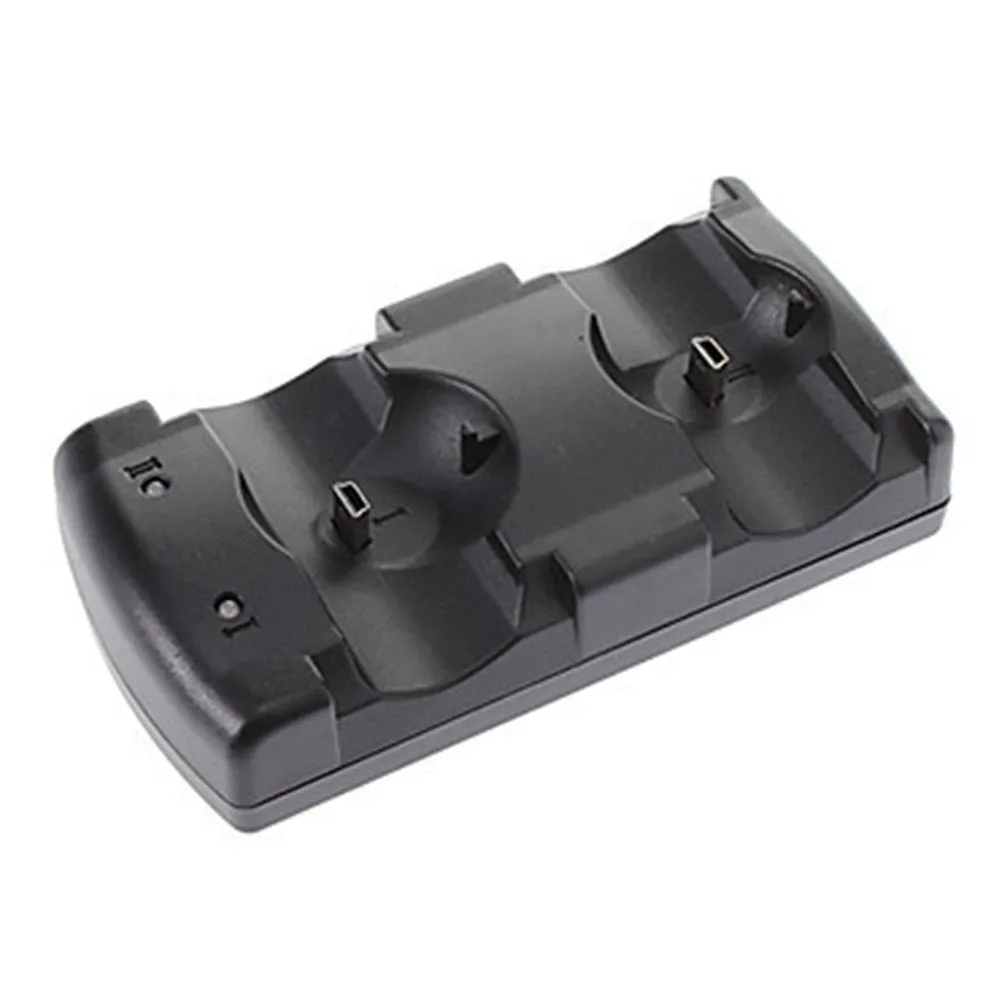 This section details the specific construction and technical operation that make this charging dock a practical addition to your PS3 setup. We'll cover the design that accommodates two controllers, the safe power delivery system, and the materials chosen for daily use.
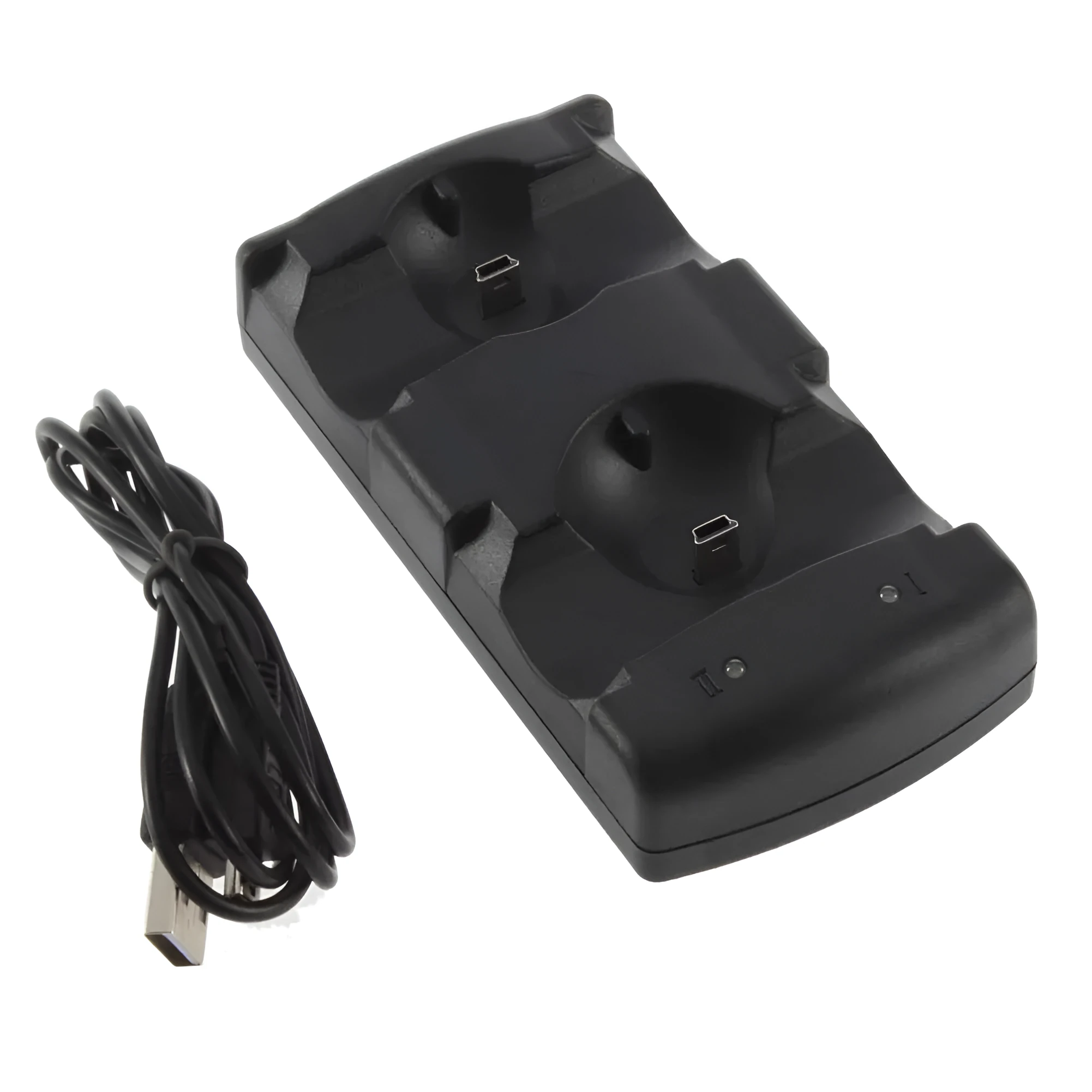 Understanding how this dock fits into different gaming environments highlights its versatility. From managing multiple controllers for family gaming nights to maintaining motion controllers for fitness games, it serves several key roles.
 The advantages of this charging dock extend beyond simple convenience to offer real cost savings and improved user experience. Here we break down the measurable benefits of integrating this accessory into your routine.


Dual USB Charging Dock for PlayStation 3: Simultaneously charge two PS3 controllers or Move wands directly from your console's USB port, eliminating the need for separate power adapters and AA batteries.
£14.98
Dual USB Charging Dock for PlayStation 3: Organise and Power Two Controllers Simultaneously from Your Console
Features and Build Quality of the PS3 Charging Station
Dual-Bay Charging Design
The dock features two specifically moulded bays designed to hold PS3 Sixaxis controllers or PlayStation Move wands securely in an upright position. Each bay has a set of spring-loaded, gold-plated charging pins that align precisely with the EXT port on the bottom of the controller. This design ensures a positive electrical connection every time you place a controller down. The upright orientation saves space on your shelf or TV unit, with the entire unit occupying a footprint of roughly 15cm by 8cm. The controllers are held at a slight angle, making them easy to pick up and preventing them from easily being knocked off.USB-Powered Operation
Technically, the dock operates on the standard 5V DC power supplied by a PS3 USB port, drawing up to 500mA. This is sufficient to charge two controllers simultaneously, as each controller's battery typically requires a 3.7V, 500-600mAh input. The dock's internal circuitry manages this power distribution safely. The included 1.5-metre USB cable provides enough reach to place the dock conveniently, whether your PS3 is in a cabinet or on open shelving. This setup is more energy-efficient than using a mains adapter, as it leverages the console's own low-power standby or active state.Durable Construction and Finish
Built from robust ABS plastic, the dock is designed to withstand the repeated physical action of docking and removing controllers over time. ABS offers good impact resistance, preventing cracks or breaks from accidental drops. The unit has a matte black finish that resists fingerprints and blends with most AV equipment. Weighing 108g, it has enough heft to stay in place when you remove a controller, but remains lightweight and portable if you need to move it. The moulded plastic has no sharp edges, and the charging pins are recessed to prevent accidental contact.Practical Applications for Your Gaming Setup
For Multiplayer Gaming Sessions
For households where the PS3 is a hub for social or family gaming, managing power for three or four controllers can be a chore. This dock allows you to charge two controllers at once, meaning you can quickly rotate sets between players. After a long session of a game like LittleBigPlanet or FIFA, you can dock the used controllers and have another pair ready to go. It eliminates the 'low battery' warning mid-game during a crucial penalty shoot-out or platforming challenge, ensuring gameplay isn't interrupted. For serious gamers, it means your primary and secondary controllers are always in a known, charged state.For Motion Gaming and Fitness
PlayStation Move titles for sports or fitness often involve vigorous activity that can drain controller batteries quickly. The secure docking mechanism provides a reliable home for your Move wand and navigation controller after a workout session in a game like Sports Champions or Just Dance. The positive click as the controller connects gives confidence that charging has begun. Having them docked in a consistent spot also prevents loss of the relatively small Move controllers among living room clutter. The convenience encourages you to keep them charged, so they're always ready for a spontaneous dance or tennis session.As a Space-Saving Organiser
Beyond charging, the dock acts as a dedicated storage station, keeping controllers off the floor and sofa cushions. The upright design presents your controllers almost like a display, reducing the visual clutter of wires and loose devices around your console. It pairs well with other console accessories, creating a organised gaming zone. For those with limited entertainment unit space, its compact footprint is a boon. It also protects the controllers' charging ports from dust accumulation and potential damage from being plugged and unplugged with a loose cable repeatedly.Tangible Benefits and Long-Term Value